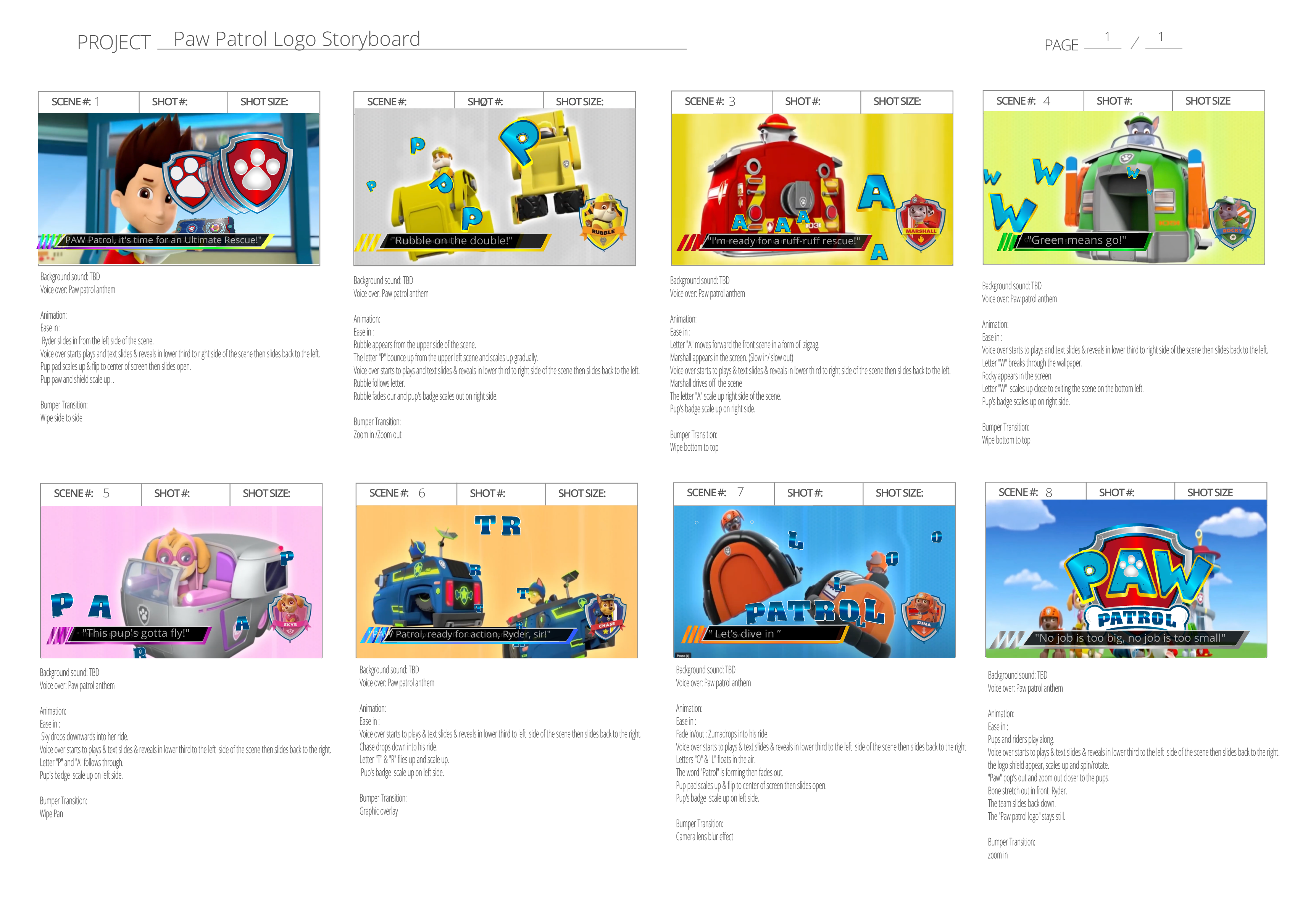
I brainstormed ideas and outlined a storyboard and script that would effectively showcase the essence of the Paw Patrol brand. The script emphasized the show's positive values and engaging storytelling, aiming to captivate both children and adults alike. The script was crafted to highlight the show’s most popular catch phrases of the tv show with their respective pups and rides.
Pawpatrol
TOOLS USED
- Adobe Illustrator
- Adobe Photoshop
- Adobe After Effects
- Adobe Audition
- Adobe Premiere Pro
Overview
The objective of this project was to create an engaging brand video for the Paw Patrol TV show, targeting a broad audience demographic. The video was designed to incorporate vibrant colours, graphics, and animations tailored specifically for the Paw Patrol brand. Throughout the process, I developed a comprehensive motion graphics package, which included a logo animation, lower thirds, and transition bumpers. Each element was designed to align with the brand's identity and provide an enjoyable viewing experience.
Ideation Process
Storyboard and Script
Preparation material
I conducted thorough research on the Paw Patrol brand, analyzing its core values and visual identity. This research guided the design process, ensuring that all animations and graphics remained true to the brand. Additionally, I reproduced high quality assets of the Paw Patrol logo to incorporate into the motion graphics package.
Final Output
The final edited video integrated the motion graphics package, featuring a captivating logo animation, lower thirds, and dynamic transition bumpers. Through a combination of vibrant visuals and engaging storytelling, the video effectively conveyed the Paw Patrol brand's positive values and entertaining nature.
This project was not only exciting to work on but also personally meaningful because my kids and I got to work together on this project driven by our love for the Paw Patrol TV show.
View other Paw Patrol project below:
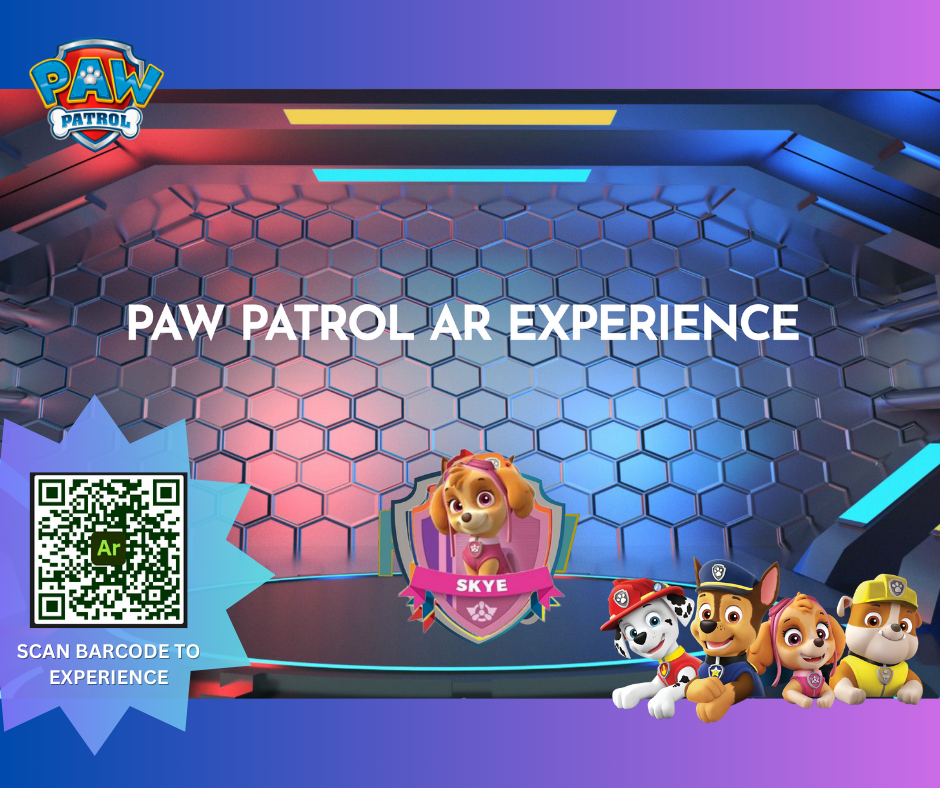
Paw Patrol AR Experience
-
Scene 1: Anthem background sound. Paw Patrol emblem (shield) is on a clean background.
-
Scene 2: The letter "P" of "Paw" fades in.
-
Scene 3: The letter "A" of "Paw" fades in next to the letter "P".
-
Scene 4: The letter "W" of "Paw" fades in next to the "P" and "A" forming the word "PAW".
-
Scene 5: The bone fades in through the shield (Layer 1: white) and (Layer 2: blue) and (Layer 3 white).
-
Scene 6: The 3 bones (white, blue,white) bounce respectively top to bottom.
-
Scene 7: The word "Patrol" fades in ahead of the layer3: white bone in front of the shield.
-
Scene 8: The far back layers (layer1: white ) spin in one direction while "Patrol" remains displayed.
-
Scene 9: The middle back layers (layer2: blue) spin in the opposite direction, while "Patrol" remains displayed.
-
Scene 10: All assets (paw, letters, bones) except the shield spread, dissolve and disappear in different directions prompting the audience's curiosity.
-
Scene 11: Voice over calling for action. Tap the shield for the catchphrase voice over & "Rubble" pup badge to fade in & bounce fade out.
-
Scene 12: Tap the shield. Catchphrase / voice over. "Marshall" pup badge to display, rotate and fade out.
-
Scene 13: Tap.Catchphrase / voice over. For the "Chase" pup badge to appear. Zoom out, zoom in then fade out.
-
Scene 14: Tap. Catchphrase / voice over. For the "Sky" pup badge to appear slide to the right then fade out.
-
Scene 15: Tap. Catchphrase / voice over. For the "Zuma" pup badge to appear. Spin then fade out
-
Scene 16: Voice over. The animation ends with the "Dog Paw" on the shield as a way to say bye marking the successful rescue mission